Streamline your workflow by centralizing tasks, setting clear priorities, and collaborating effortlessly with shared lists and comments. Automate routine work with templates, customize layouts like List or Board, and stay on track with real-time insights and dashboardsβall in one smart, powerful tool.
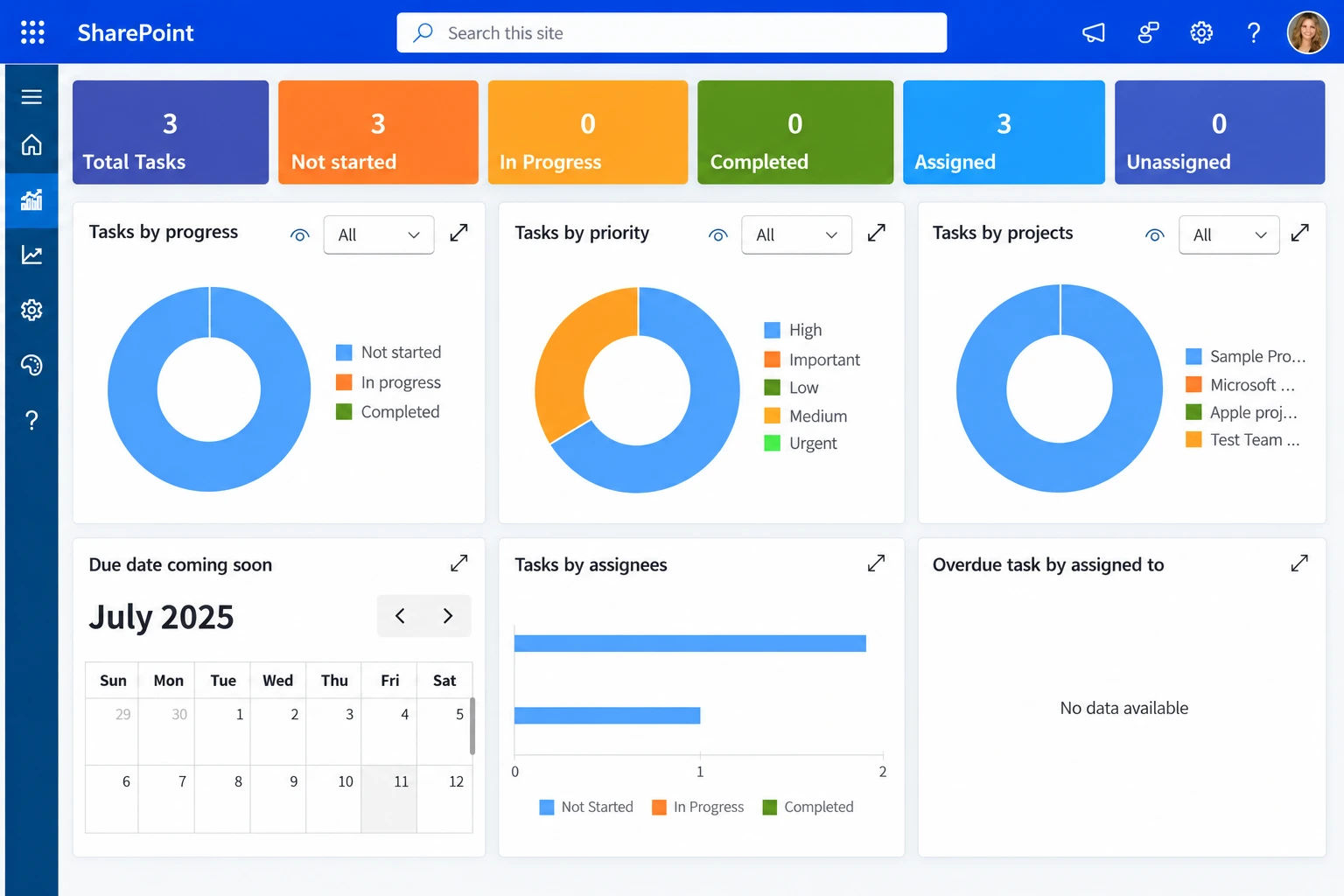
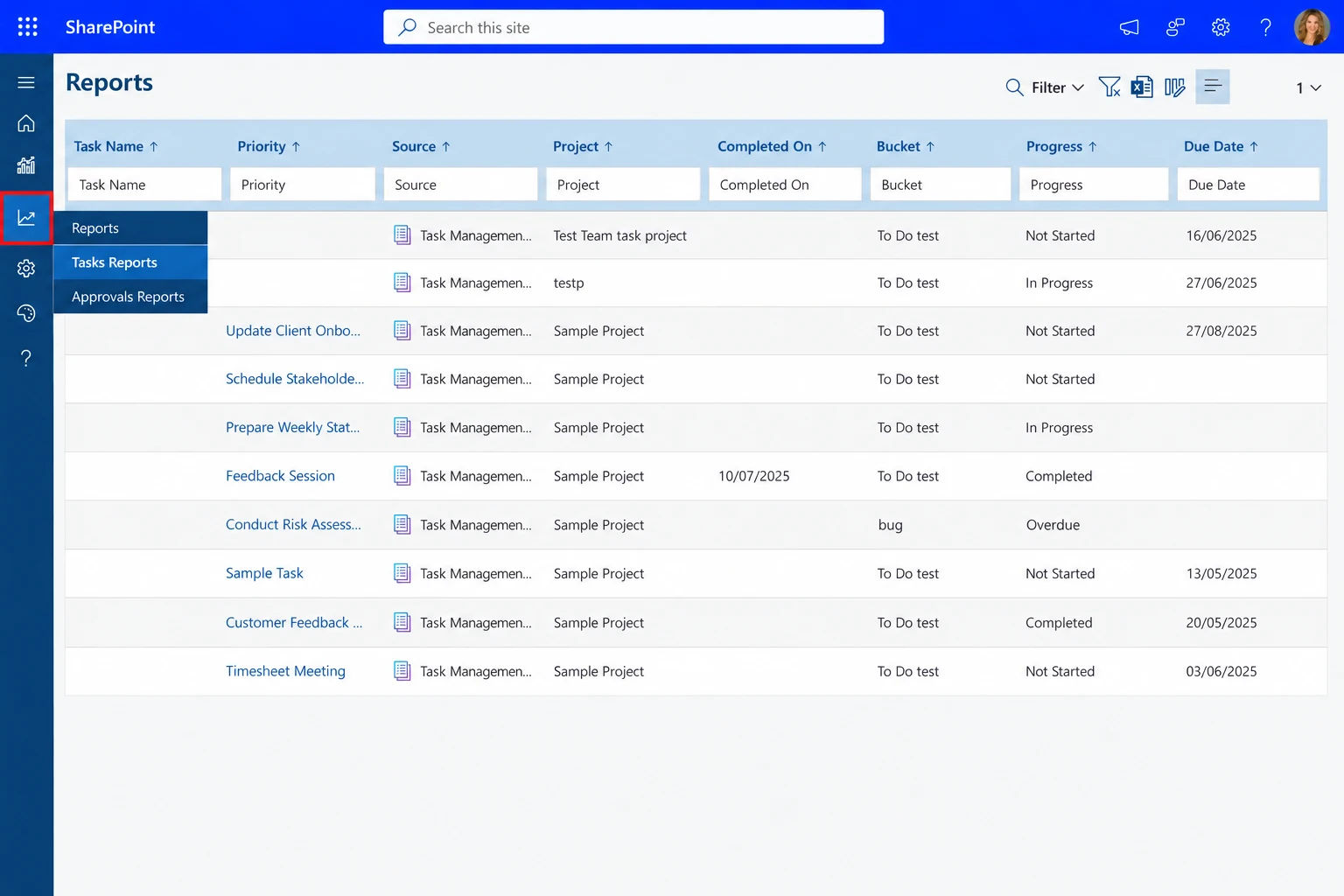
Elevate team productivity with TaskΒ 365 organize tasks, track multiple projects in real time, meet deadlines effortlessly. Customize workflows with tags and flexible views like List, Board, or Calendar. Collaborate seamlessly via Microsoft Teams, stay ahead with smart scheduling, and gain actionable insights from built-in reports. Plus, keep everything secure with enterprise-grade Microsoft 365 protection.
Empower your team with smarter task managementβset impactful priorities, delegate with clarity, and automate repetitive tasks to save time. Seamlessly connect with Microsoft Teams, Outlook, and SharePoint, all while keeping your data secure. Itβs productivity, perfectly streamlined.Β
Microsoft Task Management brings everything togetherβcentralized tasks, smarter collaboration, and streamlined communication. Stay ahead of deadlines with real-time tracking, easily share updates or files in one place, and control access to maintain security. Whether you are in the office or on the go, your team stays connected, organized, and productive.Β
Using Azure? now you can buy on Azure Marketplace or using your enterprise agreementβ
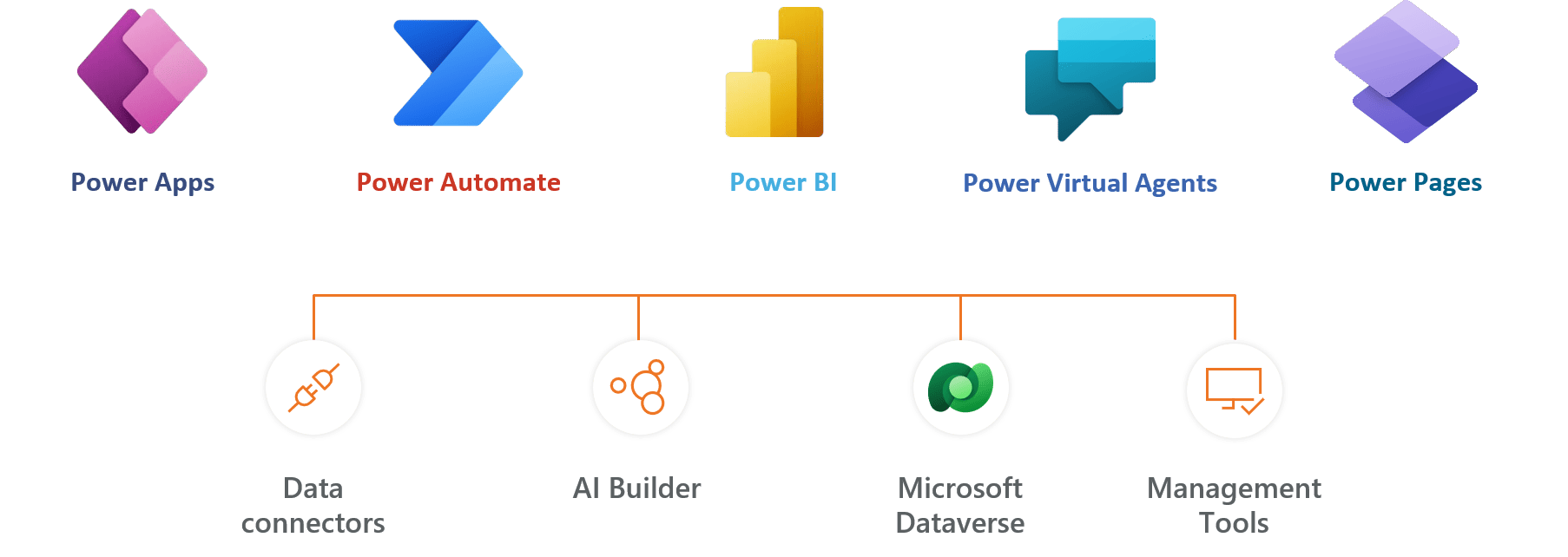
Task 365, also known as Task Management 365, is a smart task-management tool for of Microsoft. Organize tasks, prioritize and accelerate task completion with this tool. Task 365 integrates with applications like Teams, SharePoint, Outlook, and Planner, for a view of all the tasks, schedules, and conversations all in one place. It highlights the priority tasks, creates a summary, and handles the repetitive tasks so the team can focus on the crucial ones.

Perfect for teams, freelancers, students, or growing businessesβanyone aiming to boost output, assign tasks easily, and stay on top of priorities.Β
By sharpening focus. Set what matters most, track progress clearly, and eliminate clutter that slows momentum.Β
From List to Board, Timeline to Scheduleβchoose layouts that match your rhythm. Flexibility that fits how you work best.Β
Absolutely. Add documents, create checklists, use tagsβeverything you need stays right where you need it.Β
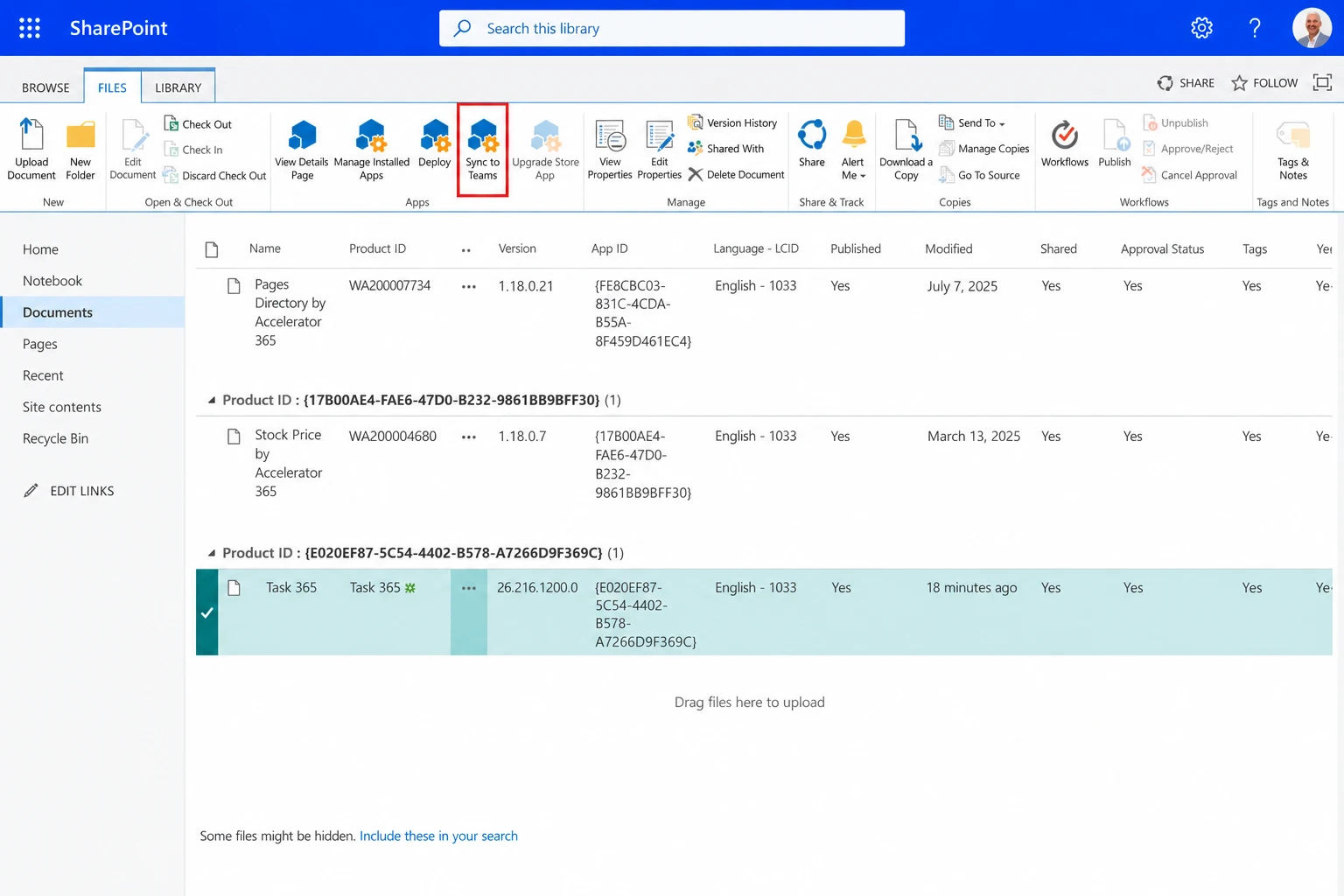
Yes. Instant updates through Microsoft Teams let your group share, sync, and respond without missing a beat.Β
Updates, notes, filesβall in one place. No digging through threads or chasing messages. Everyone stays informed, connected, focused.
See how our solution can help your team
save time and cut costs.


By proceeding, you accept Cubic Logics Terms and Conditions and Privacy Policy